
NAVIGINE MOBILE SDK
Navigine offers developers the location SDK software package for indoor navigation. It is implemented in mobile applications to extend their functionality. The Navigine Indoor Navigation SDK is a set of algorithms that solve a wide range of location-based tasks. Using this system, one can create handy apps for smartphones on Android and IOS equipped with the indoor navigation function.
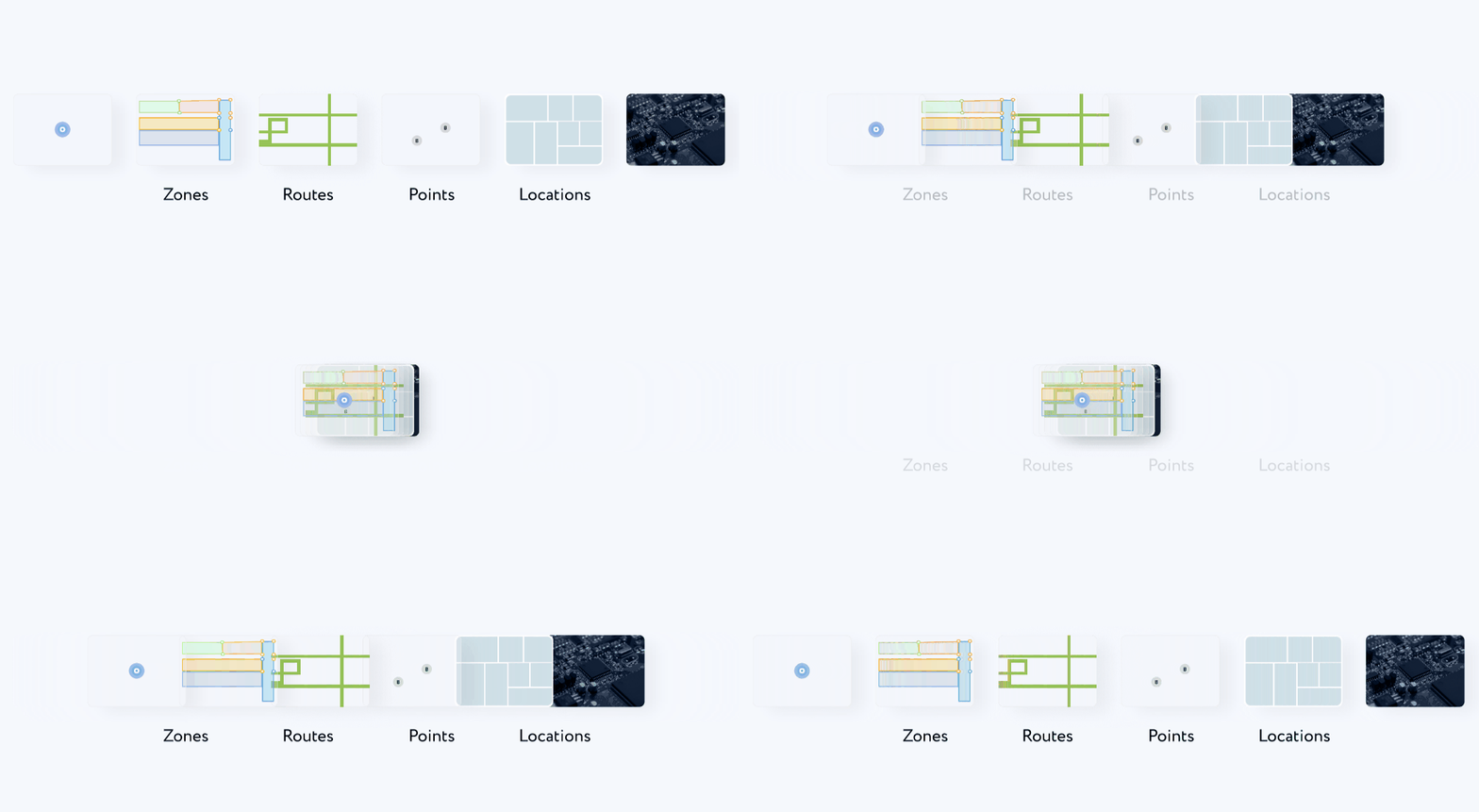
Key Features of Indoor Navigation SDK
-
Defining the location
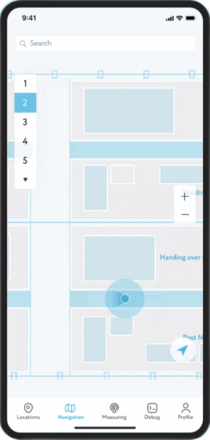
The exact location is defined using the external radio frequency infrastructure, human motion models, and floor plans. Apart from beacons, Wi-Fi and Bluetooth® Low Energy, the system uses the internal sensors of smartphones (barometer, accelerometer, etc.).
-
Real time navigation on the smartphone
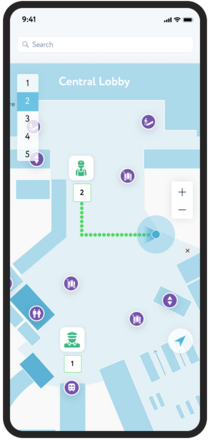
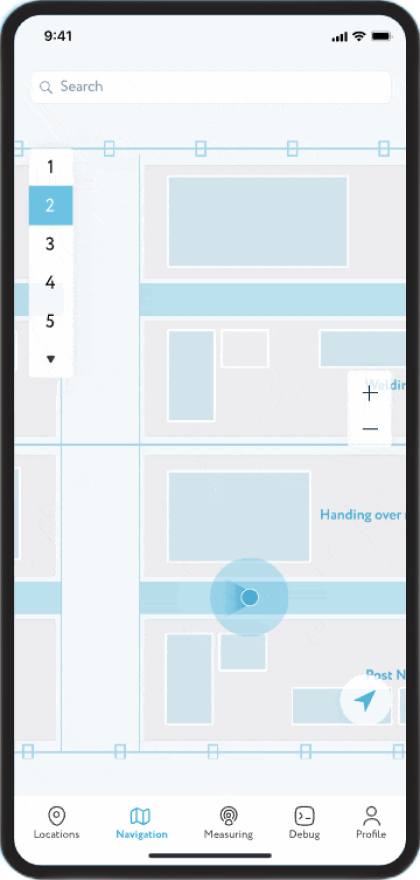
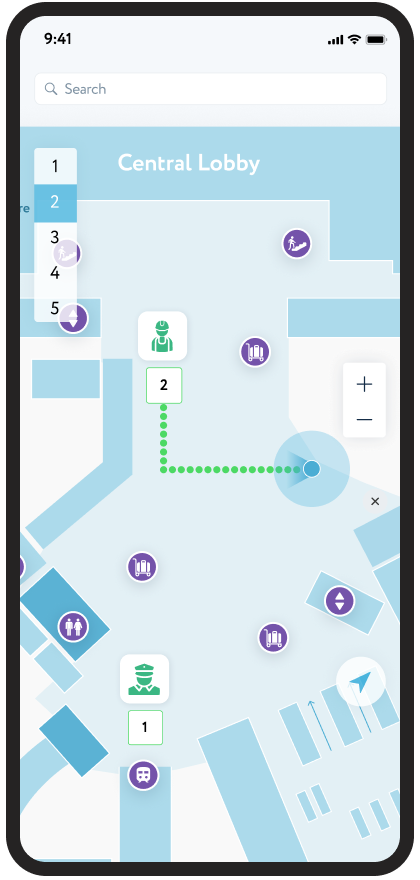
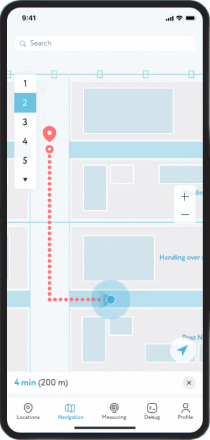
A route map with waypoints can be zoomed in and out; one can create an indoor map that includes all the buildings and floors of the venue. Step-by-step instructions (which are automatically displayed and updated depending on the user’s position) allow you to easily navigate and move within the building.
-
Push Notifications
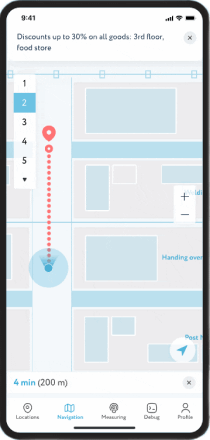
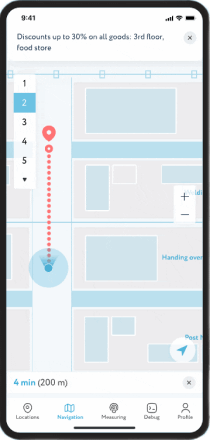
Push and local notifications are messages or alerts that allow businesses or organizations to send targeted messages or alerts to users based on their precise indoor location. For example, a retailer could send personalized offers or promotions to customers when they are near a specific store or product display.
-
Building a route to any point on the maps
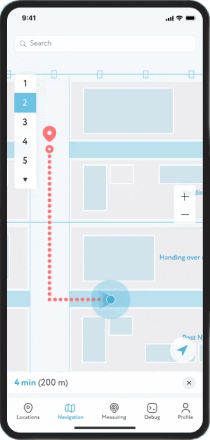
Routing by the beginning of the route and the destination is carried out via the route library. Indoor positioning SDK for iOS and Android is possible both inside and outside buildings. Using vector maps instead of raster ones reduces loading time and provides autonomous possibilities for geolocation.
BENEFITS OF INDOOR LOCATION SDK BY NAVIGINE
The navigation SDK provides developers with a powerful toolset to enable indoor positioning capabilitues into any mobile apps. Some of the advantages of using location SDK:
-

Technical support for developers
-

Detailed instructions during
the integration process -

Possibilities for prompt
market entry -

Handy integration of geolocation and AI
services to develop scalable
industry solutions -

Possibility of partnership relations
in the sphere of technological
projects
INDUSTRIAL APPLICATIONS For Indoor Navigation SDK

Retail
A comprehensive solution for indoor positioning in stores and shopping malls. Navigine Indoor Navigation SDK are used to improve shopping experience, send out relevant information via push notifications and analyze consumer behavior in supermarkets using geodata.Increase your sales and help your customers find the right products, services and places.
Go to the page
Museums
Efficient indoor navigation solution to enhance the visitors' experience. Let visitors easily find all exhibit items around the museum. The indoor navigation system will show visitors a way through complex exhibitions, creating digital maps in their smartphones and mini-tours in accordance with their preferences
Go to the page
Universities
Convenient navigation platform inside the educational building for students and staff. Employing RTLS technologies can relieve students of the need to waste time wandering around the campus to find lecture rooms. Location-powered applications can easily build routes for students and guests to any point of interest needed.
Go to the pageThe set of tools for developers
-
Navigine Indoor Navigation Flutter SDK Portal for creating location-powered applications on Flutter
-
Navigine Indoor Navigation React Native SDK for creating location-powered applications on React Native

Margarita
Partnership Manager
Are you ready to boost your facility with location-based services?
Our Navigine SDK is here to empower you!
Feel free to contact Margarita, Your Dedicated Partnership Manager!
Indoor Navigation SDK
WHY NAVIGINE?
-
Hardware agnostic platform

We are able to use different equipment on our platform depending on your business tasks, budget and the required level of positioning accuracy
-
Technology agnostic vendor

Our platform can work with different types of technologies like iBeacon, Wi-Fi, UWB, etc.
-
Quick and easy deployment and scaling

The Navigine platform allows you to quickly and remotely deploy and scale a solution
-
High accuracy with less infrastructure

Navigine AI-powered algorithms allow less hardware to be used without sacrificing positioning accuracy compared to other solutions
-
Strong R&D team

Our team has over 15 years of experience in the development of navigation systems. The team consists individuals with a Ph.D. in Mathematics and Physics and highly qualified project managers
-
Works indoor to outdoor

In our platform, you can set up seamless switching from inside and outside the building
Our partners








Let's Discuss Your Business Needs
Discover the power of indoor positioning and tracking - contact us today!
Our Advantages
- Quick and easy deployment
- Technology and Hardware: Universal tracking solution
- Precision: up to 0.1 feet accuracy of localisation
- Solution proved over time: 10 year on the market with over 3000 buildings covered